How to use the entry ID
 Cloud Suite
 On-Premises
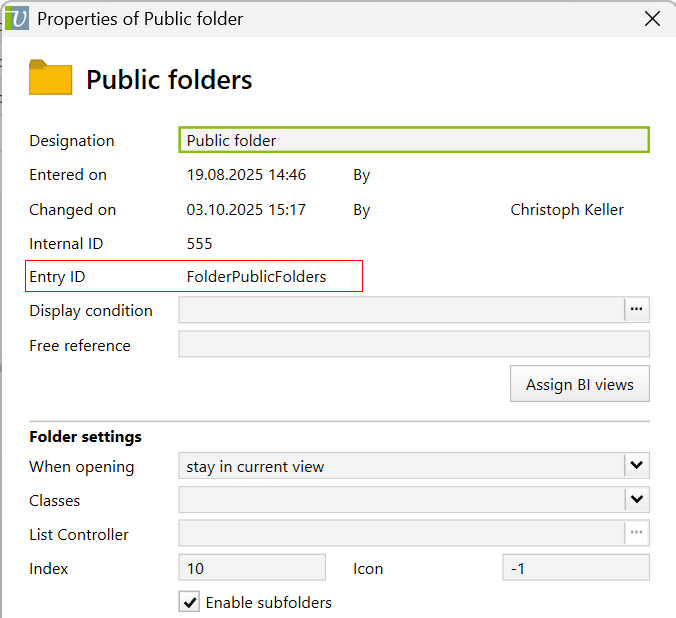
The standard objects supplied by Vertec as well as all objects created by additional features contain an Entry ID. You can see this in the properties dialog of the relevant objects using right-click > Properties.
When customers create new objects, the entry ID is not automatically set and the field is blank. This article describes how to set the entry ID entry and what it is used for.
The entry ID serves two purposes:
The entry ID can be found in the properties dialog next to the relevant objects (right-clicking > Properties):
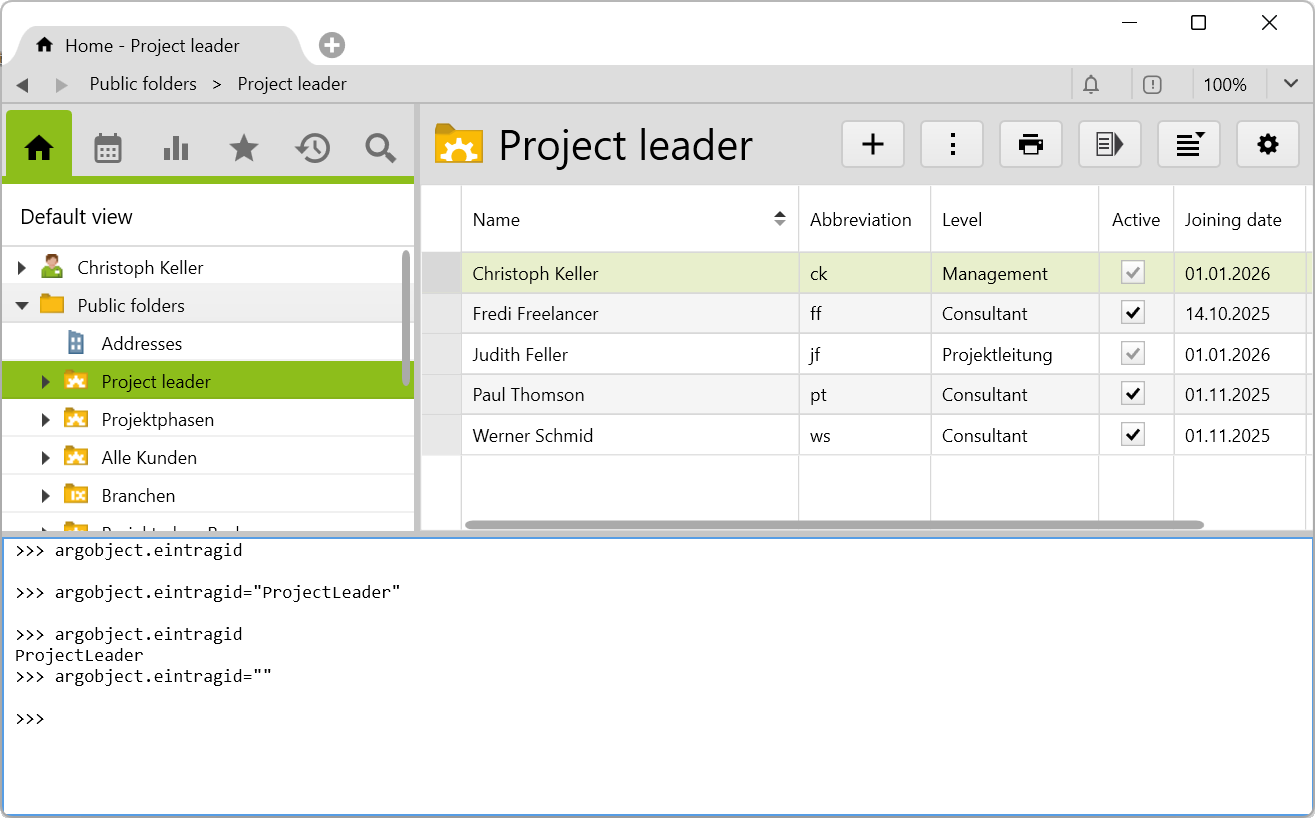
To set an entry ID for an object, use the Settings menu on the object, or the shortcut key F3, to open the Python console and enter the following code, depending on what you want to do:
argobject.eintragidargobject.eintragid="XX"argobject.eintragid = ""