
API tokens for logging the Vertec XML extension, the REST API and the BI API extension to Vertec.
 Cloud Suite
 On-Premises
With Vertec version 6.6, API tokens for Web API access to Vertec were introduced (Vertec xml extension and BI API). Authentication via username and password, as was usual in the past, was disabled with Vertec Version 6.7.
API tokens can be generated on Further information page of the user:
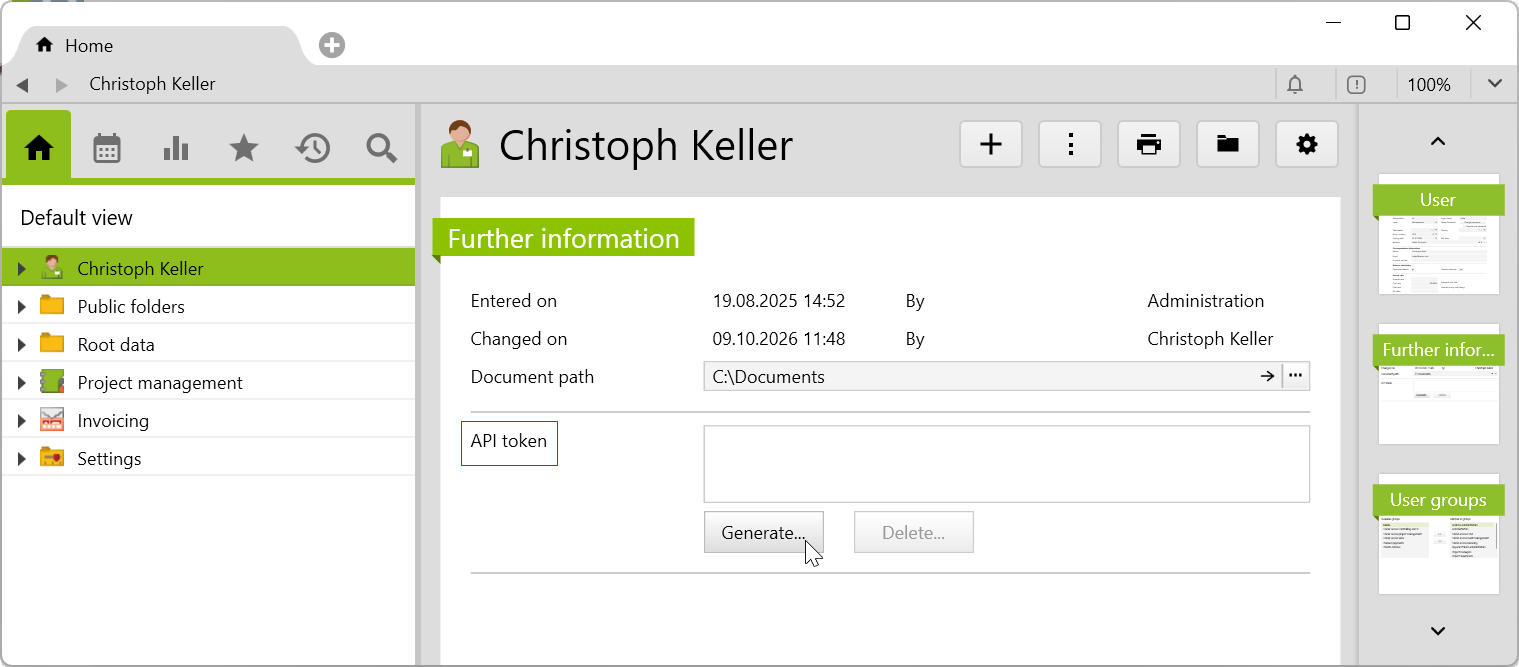
By clicking on the Generate... button, the API token is generated and displayed in the corresponding field:
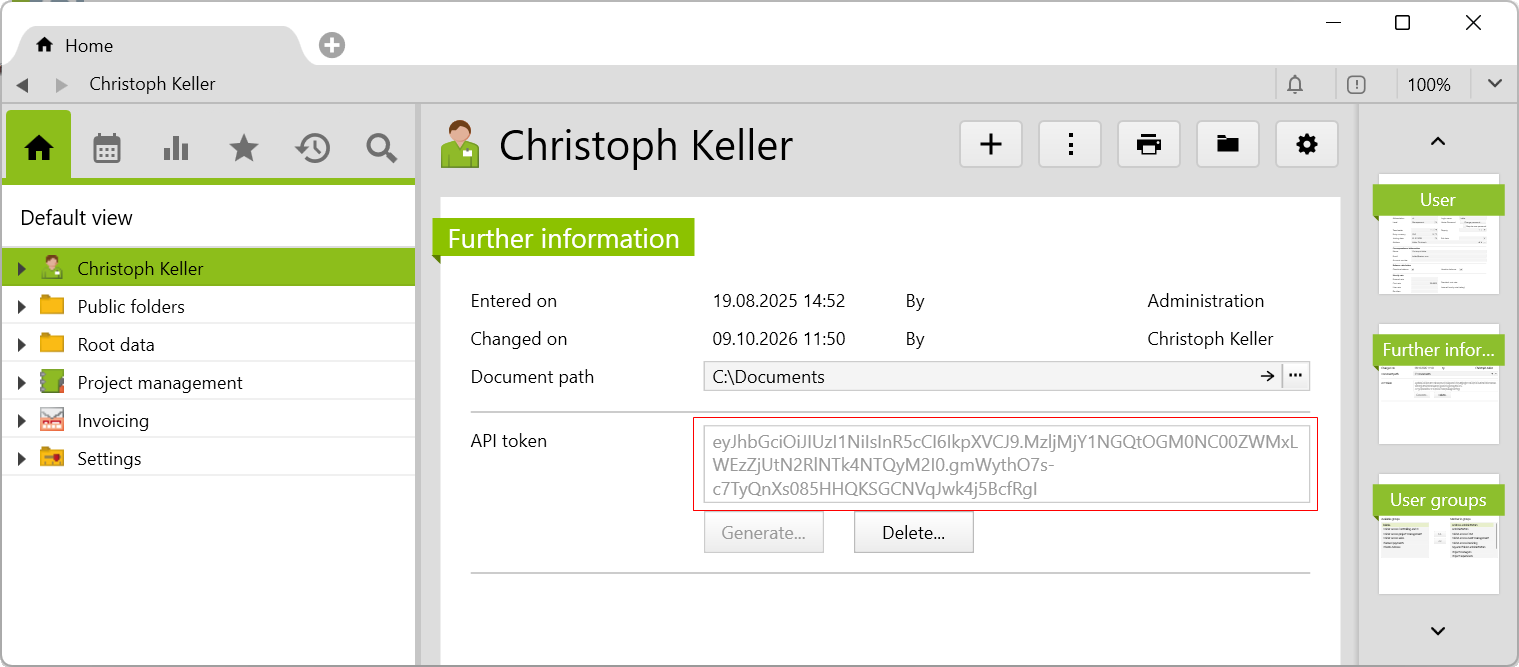
This must be stored immediately, because it will no longer be shown the next time the page is called. Instead of the token, the following text is shown and the token can only be deleted:
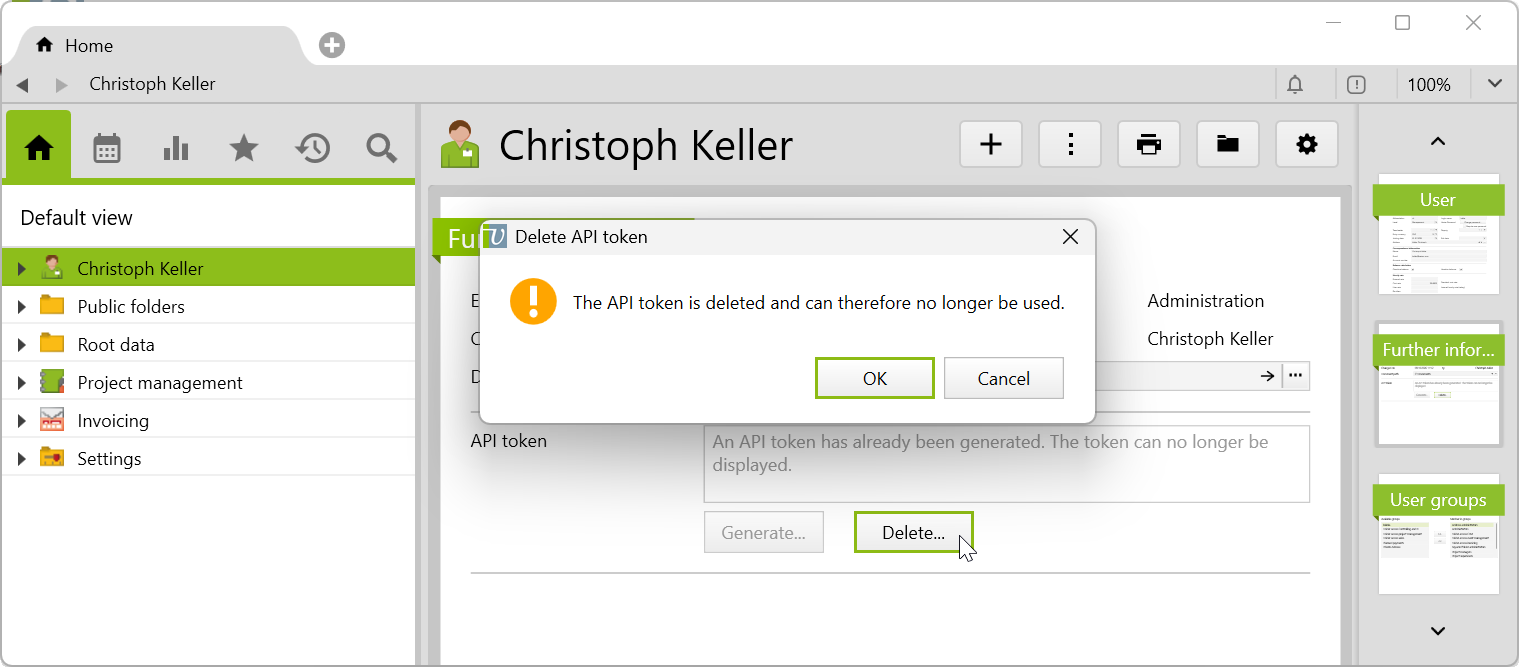
If the token is deleted, it can no longer be used, and instead of the Delete... button, the Generate... button is again available.
Users with administrator rights can delete the generated API tokens of all users at once in the settings menu using the option Delete all API tokens...:
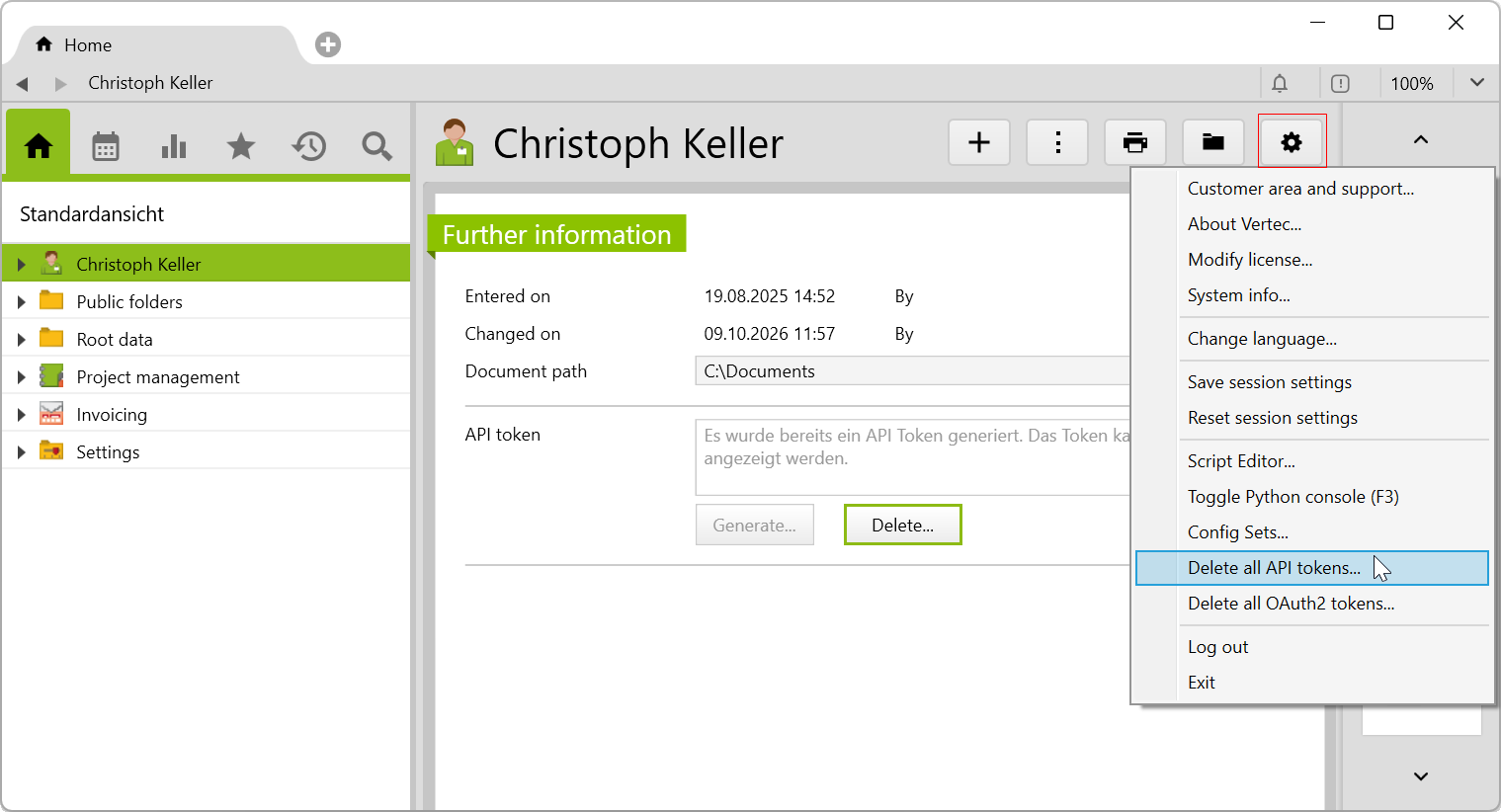
At first, a warning query appears, which asks again whether all API tokens should be deleted.
The API Token section on the user’s Further Information page is only shown if the logged-in user has administrator rights or has writing rights when granting the user right User.apiToken.