
Absence approvals
Additional feature for the management of absences through individual approvals
Operating mode
 Cloud Suite
 On-Premises
Modules
HR
This application is an additional feature. You can find the relevant config set here.
Application
This additional feature implements a workflow for the approval of absences. Newly entered or changed absences are automatically assigned to inactive. The teamleader must activate (= approve) the absences of the team members.
As soon as a user enters a new absence or changes an existing absence, the teamleader receives a notification:
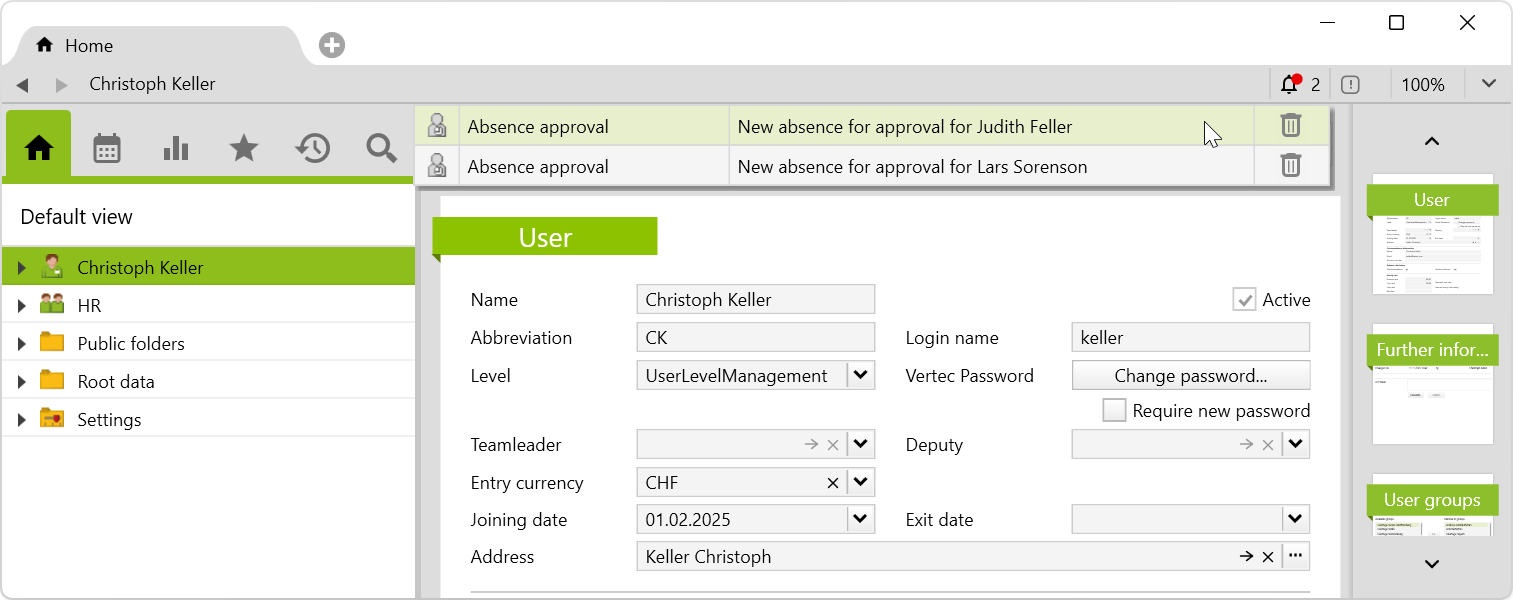
By double-clicking on the notification, the absence opens:
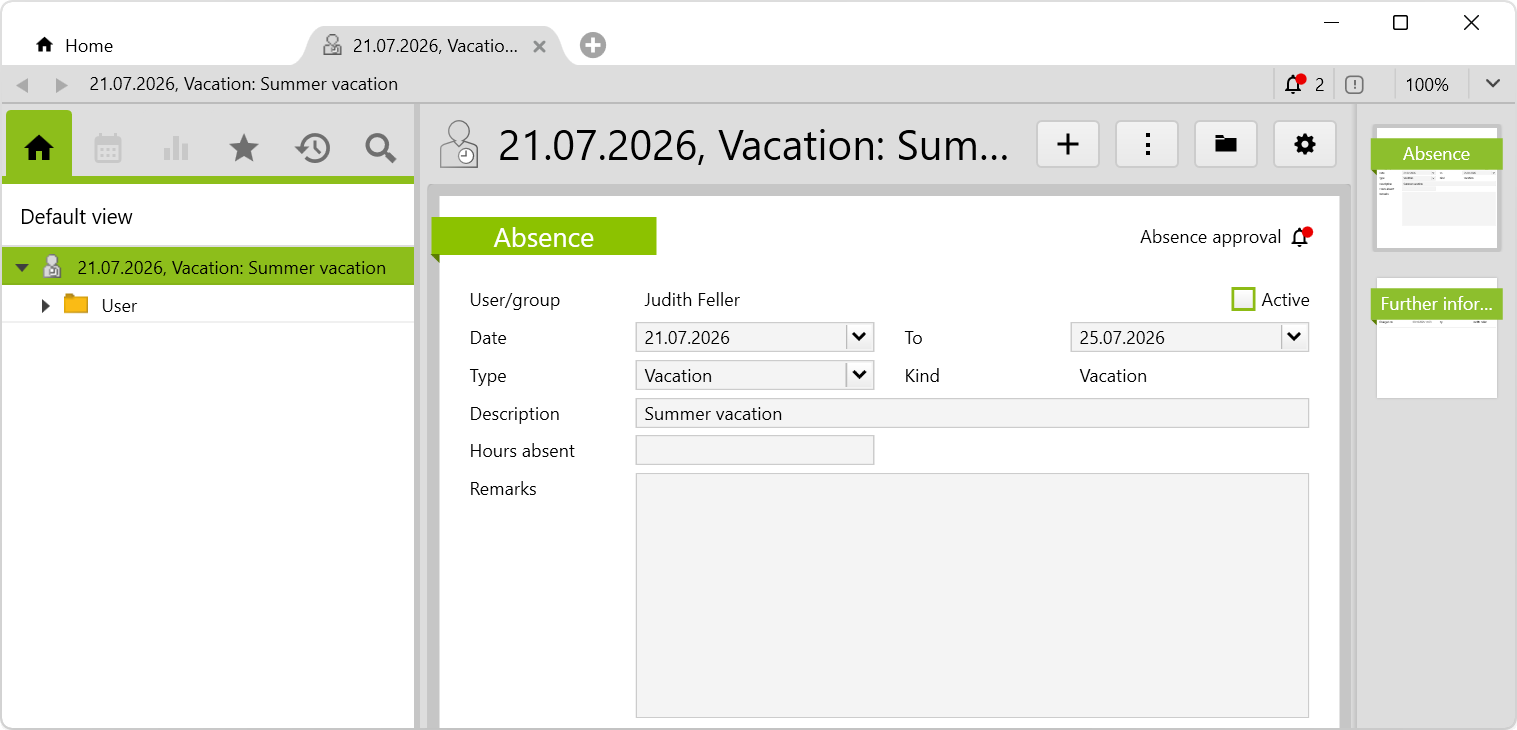
By activating the Active checkbox, the absence is approved and the notification is automatically deleted.
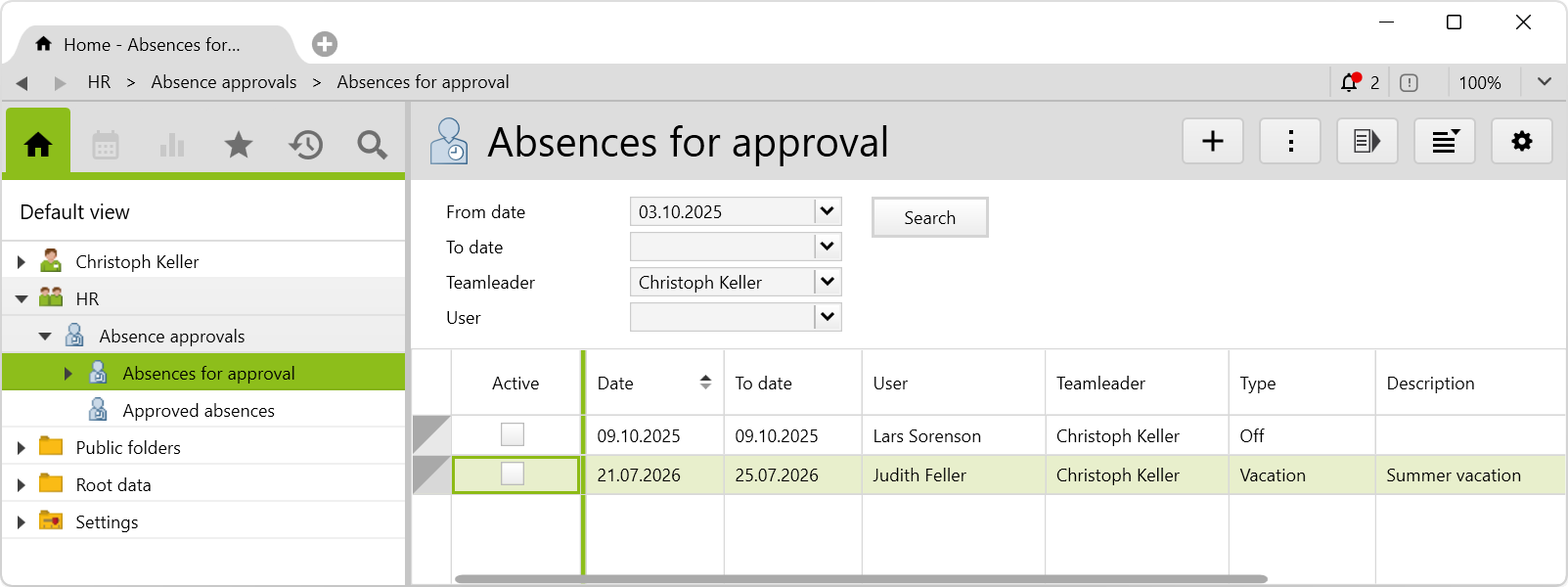
You can find the list with all absences to be released under HR > Absence > Absences for approval. This list can be filtered by date, teamleader or employee.
Approved absences appear in the Approved absences folder:
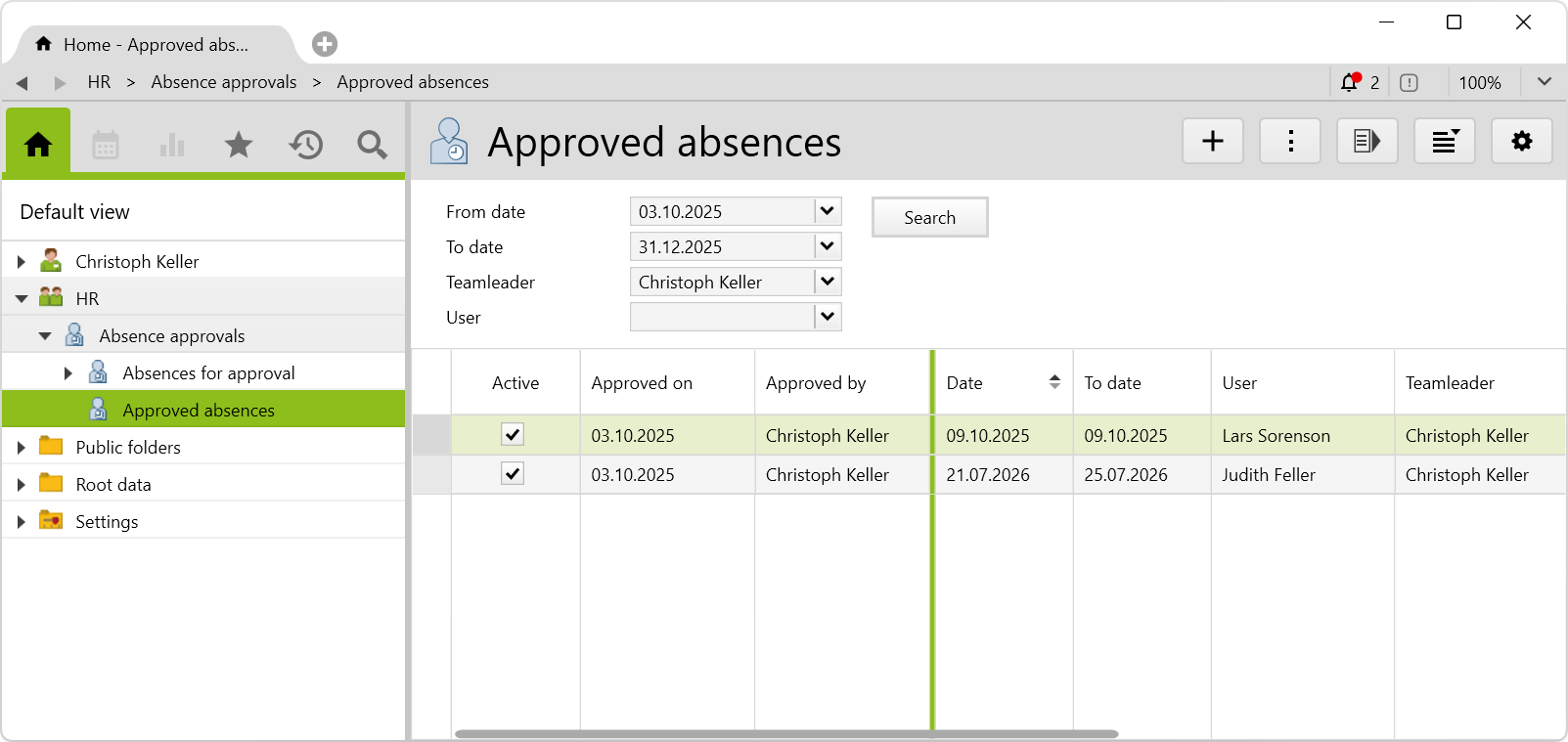
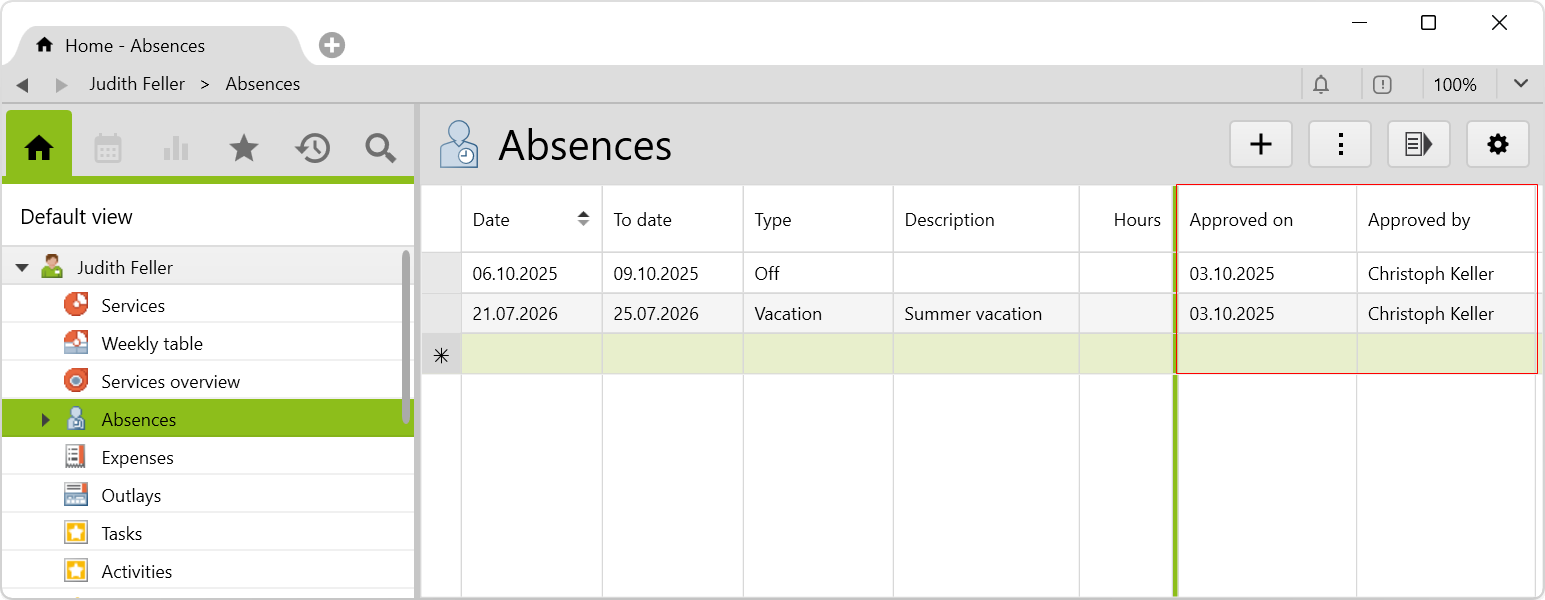
Users can see in their absences who approved the absence when:
If relevant data is changed, the absence is reset to inactive and the teamleader receives a notification.
If a user’s teamleader changes, existing absence notifications on the former teamleader are deleted and new notifications are assigned to the new teamleader.
Requirements and download
Before importing the config set, we recommend you read the Key information about the additional features article. Config sets modify data in Vertec, which can overwrite existing data.
The exact import process is described in config sets.
You can download the additional feature with the following link:
| Version requirement | Download |
|---|---|
| 6.7.0.17 | Configset_AbsenceApprovals.xml |