
Sales probabilities in resource planning
This additional feature provides utilization dimensions considering sales probabilities
Operating mode
 Cloud Suite
 On-Premises
Modules
Resource Planning, Sales, Project and Case Management
This application is an additional feature. The corresponding config set can be found here.
Application
This additional feature provides three utilization dimensions for resource planning on phases:
- Phases weighted
- Quoted/Sold
- Quoted/Sold weighted

Weighted means that the probability on the project phase is taken into account.
With this additional feature, the probability field is shown on the project phase and the system setting status for new phases is set to Quote.
We recommend using it together with the additional feature Root Folder Sales, which implements this field probability on the project phase and the related workflow.
Utilization dimensions
Note: Once you have entered the data for planned hours and phases, these measures must be calculated once under Settings > Customize > Schedule Tasks > BI recalculation in order to be shown in the dimensions. Subsequent changes will be applied automatically.
Phases weighted |
This dimension considers the probabilities specified on the phase (planned values are multiplied by the probability/100). 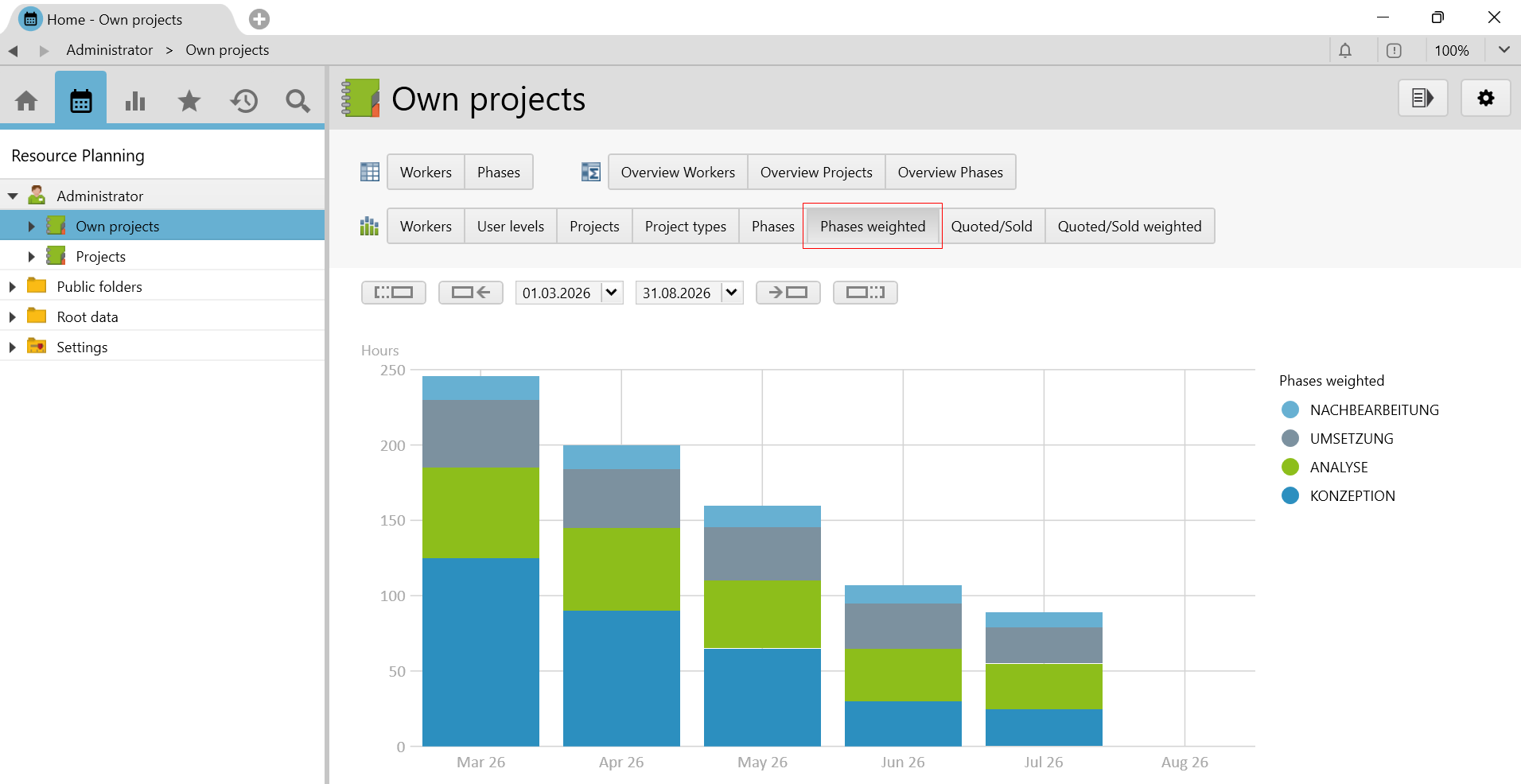 |
Quoted/Sold |
In this dimension, the phases of productive projects in
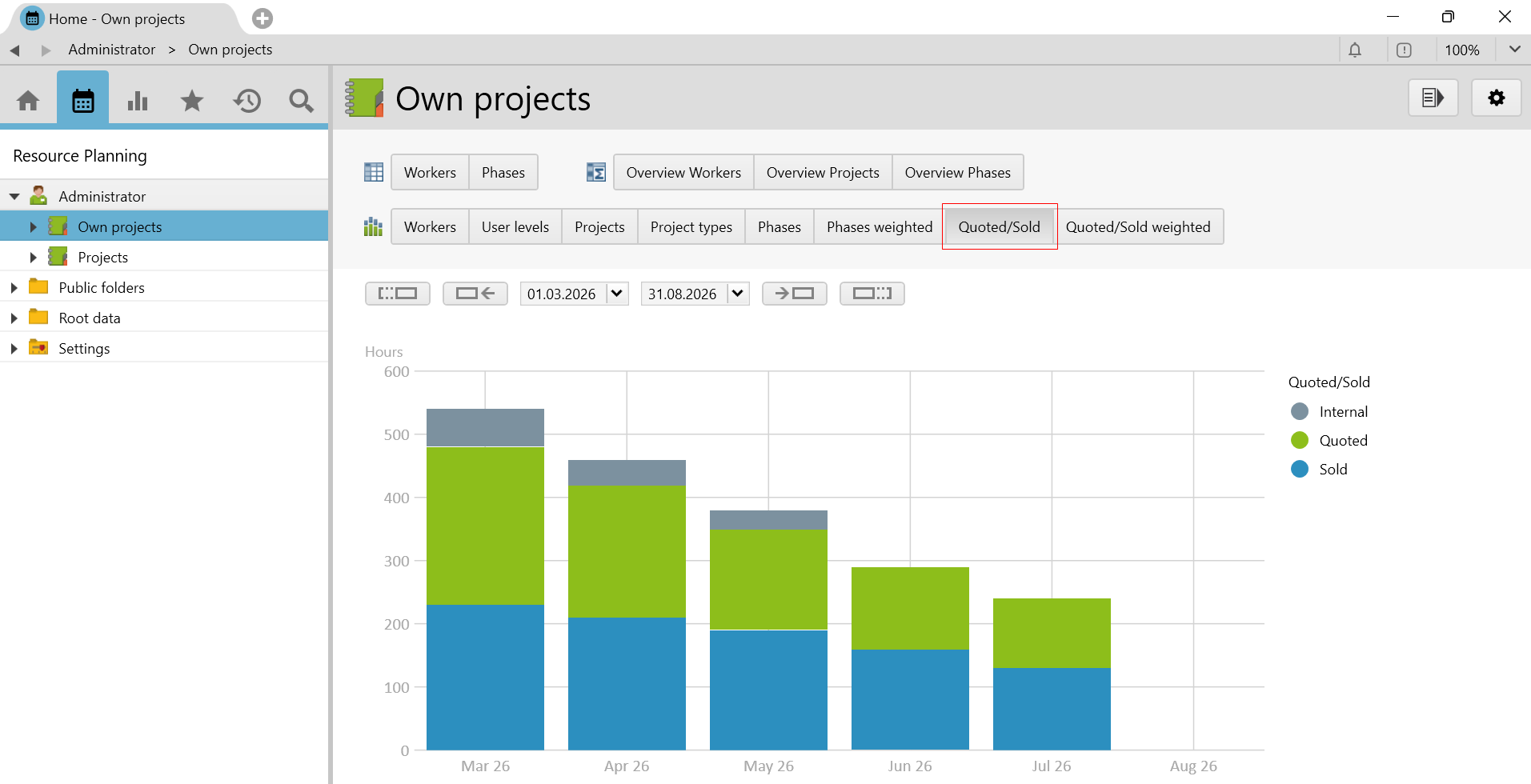 Phases with the status rejected are not considered. |
Quoted/Sold weighted |
In contrast to quoted/sold, this dimension considers the probabilities indicated on the phase (the planned values are multiplied by the probability/100).
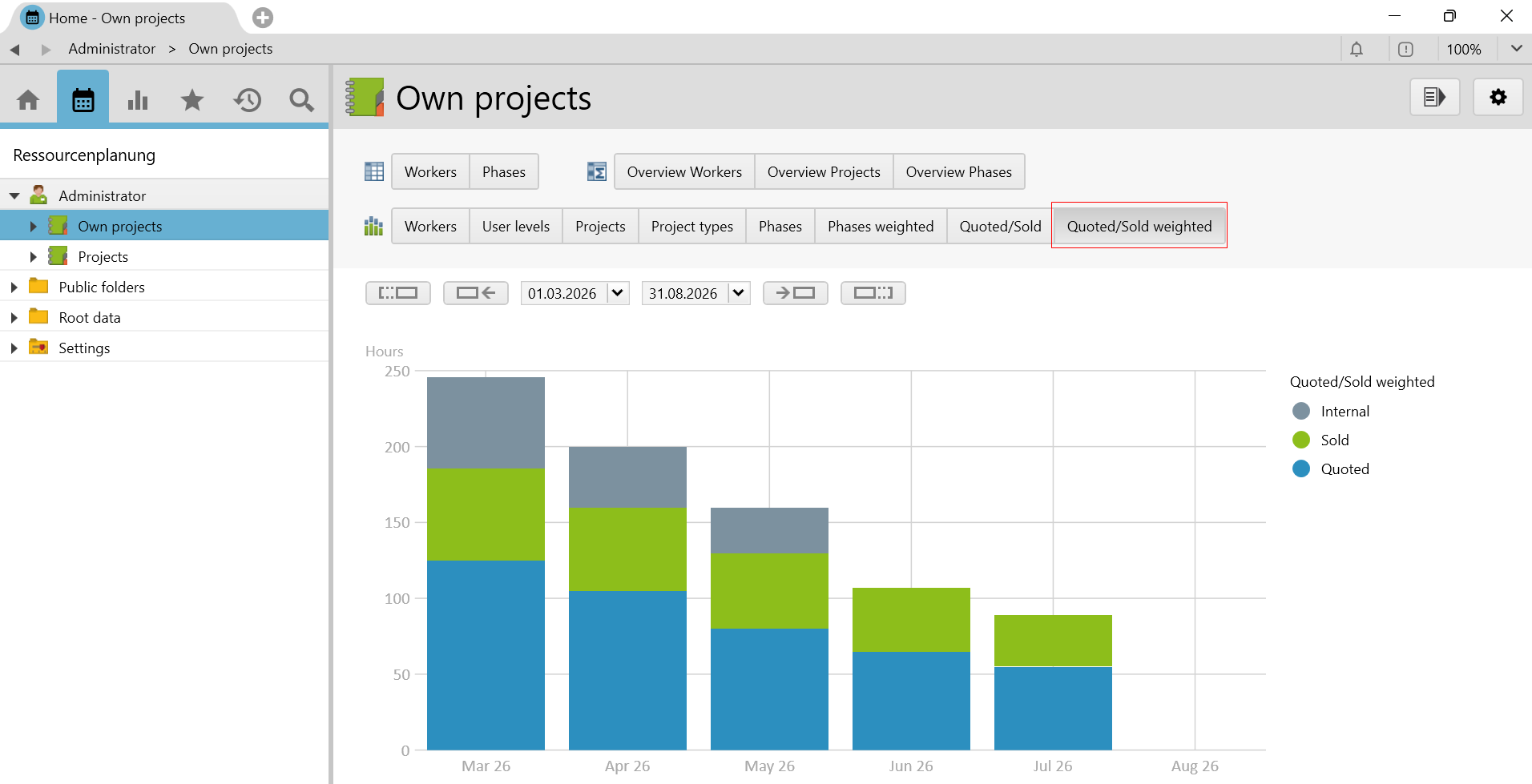 Phases with the status rejected are not considered. |
Requirements and download
- The Resource Planning, Sales, Project and Case Management modules must be licensed.
- The System Setting Planning Level must be set to phases.
- This additional feature only works with the standard resource planning, i.e. the additional feature resource planning with user allocations may not be used.
Before you import the config set, we recommend you to read the article Key information about the additional features. Config sets modify data in Vertec, which can overwrite existing data.
The exact import process is described in config sets.
You can download the additional feature with the following link:
| Version Requirement | Download |
|---|---|
| 6.7.0.16 | ConfigSet_ResourcePlanningSales.xml |